Project Overview
The Reporthink.AI Template Editor is a comprehensive, web-based platform designed to bridge the gap between static report templates and dynamic user customization. Built to support corporate reporting needs (Sustainability Reports, Annual Reports, etc.), this application allows users to select A4 layouts, customize text and design elements directly in the browser, and export high-fidelity PDFs. It transforms a rigid file-download system into an interactive SaaS experience.
The Problem & Solution
The Problem
Reporthink.AI faced a significant limitation regarding the features available to users for editing their selected report templates. Previously, users could only select a desired template but lacked the ability to customize or edit it to suit their specific needs. They were unable to add necessary text or modify existing design elements, which severely restricted the flexibility of template usage. This rigidity hindered users' effectiveness in tailoring content to their specific requirements, ultimately diminishing the overall user experience. Consequently, there was a critical need for a platform where users could directly edit the report templates they selected.
The Solution
Based on the identified problems and analysis, it was concluded that a comprehensive approach was required to address these needs. The solution involved designing a platform capable of accommodating various features, specifically allowing users to edit templates with certain degrees of flexibility while strictly maintaining the integrity of the original design structure. Furthermore, this solution was built upon reliable technology to ensure optimal performance and a seamless workflow from selection to export.
Key Features
WYSIWYG Template Editor
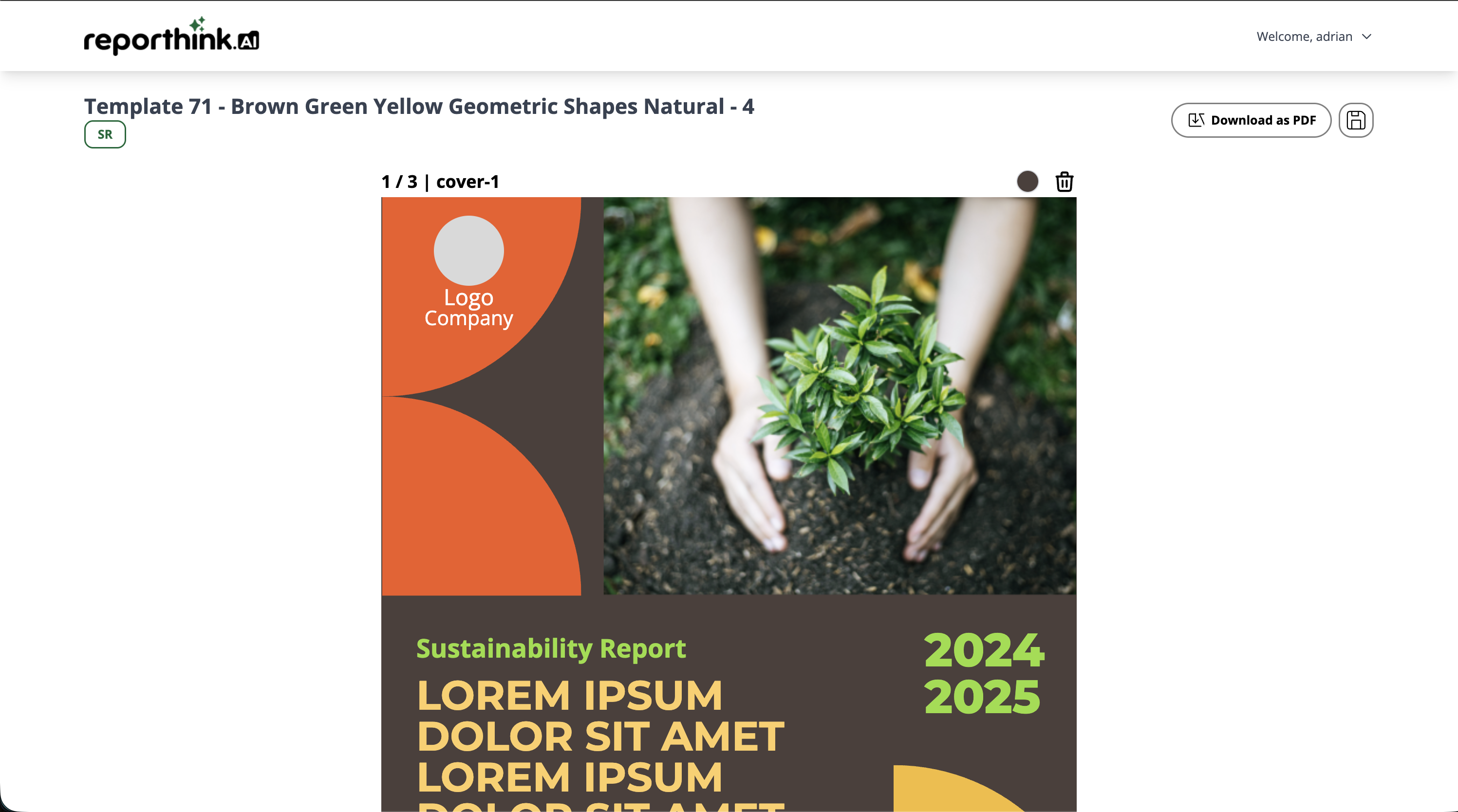
A custom-built editor allowing users to modify text (fonts, bold, italic, alignment) and change element colors using a real-time color picker.
Drag-and-Drop Media Handling
Users can replace placeholder images and logos simply by clicking or dragging new files directly onto the canvas.
Dynamic Page Management
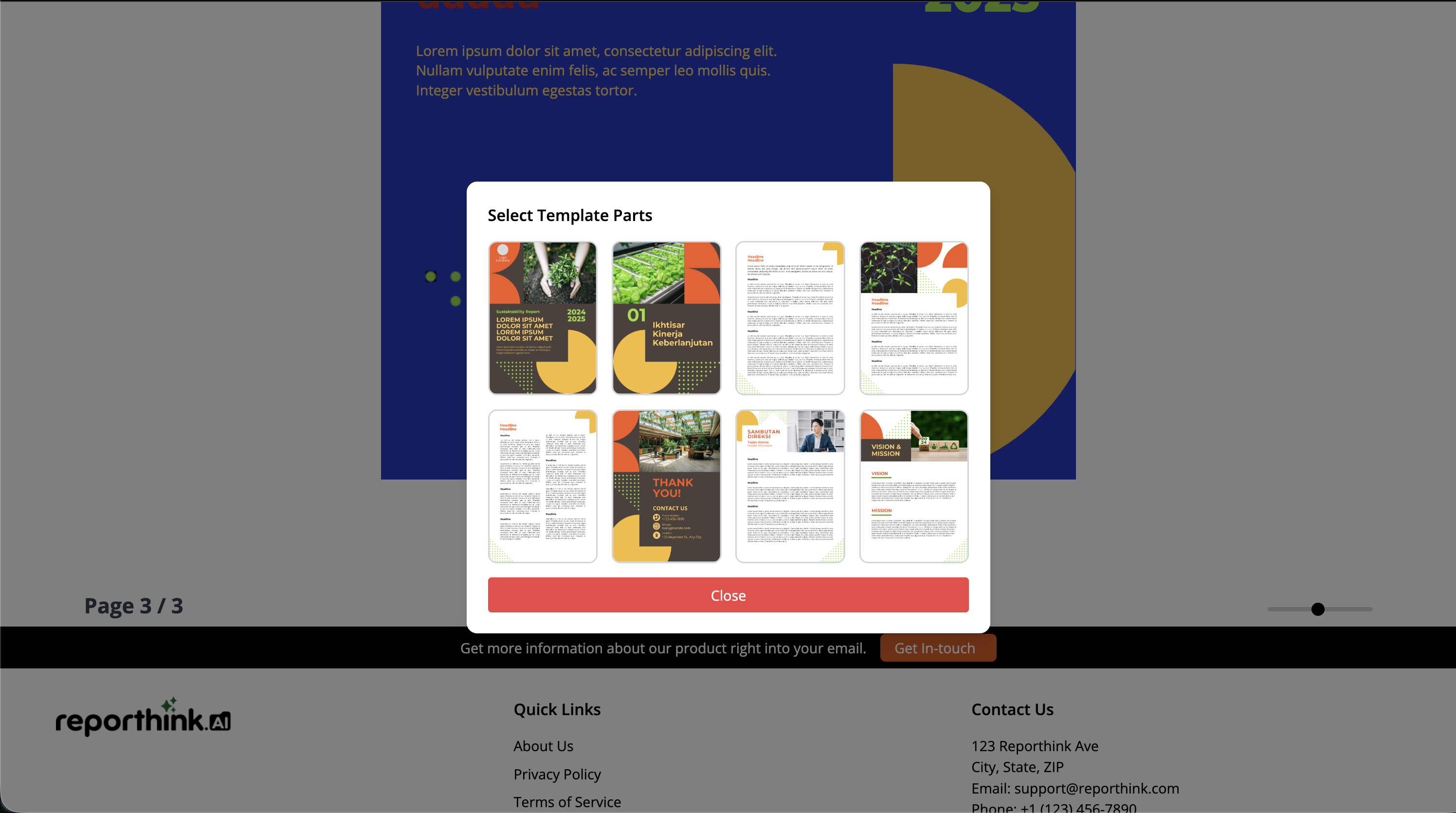
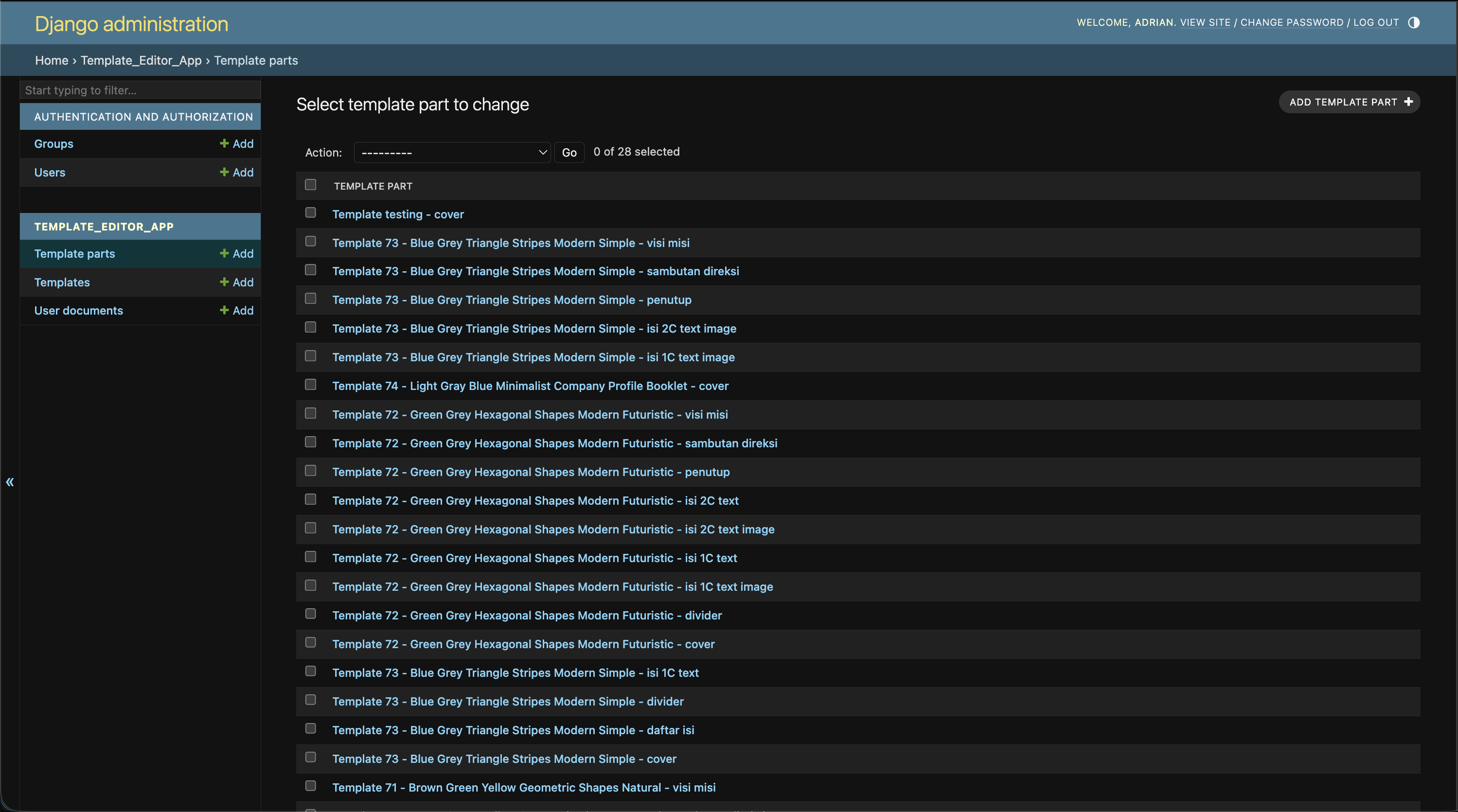
A "Template Parts" system allowing users to add specific page layouts (covers, table of contents, content pages) and reorder them via a drag-and-drop interface.
High-Fidelity PDF Export
Integrates html2canvas and jsPDF to render the DOM into a pixel-perfect A4 PDF document ready for print or distribution.
User Dashboard & Persistence
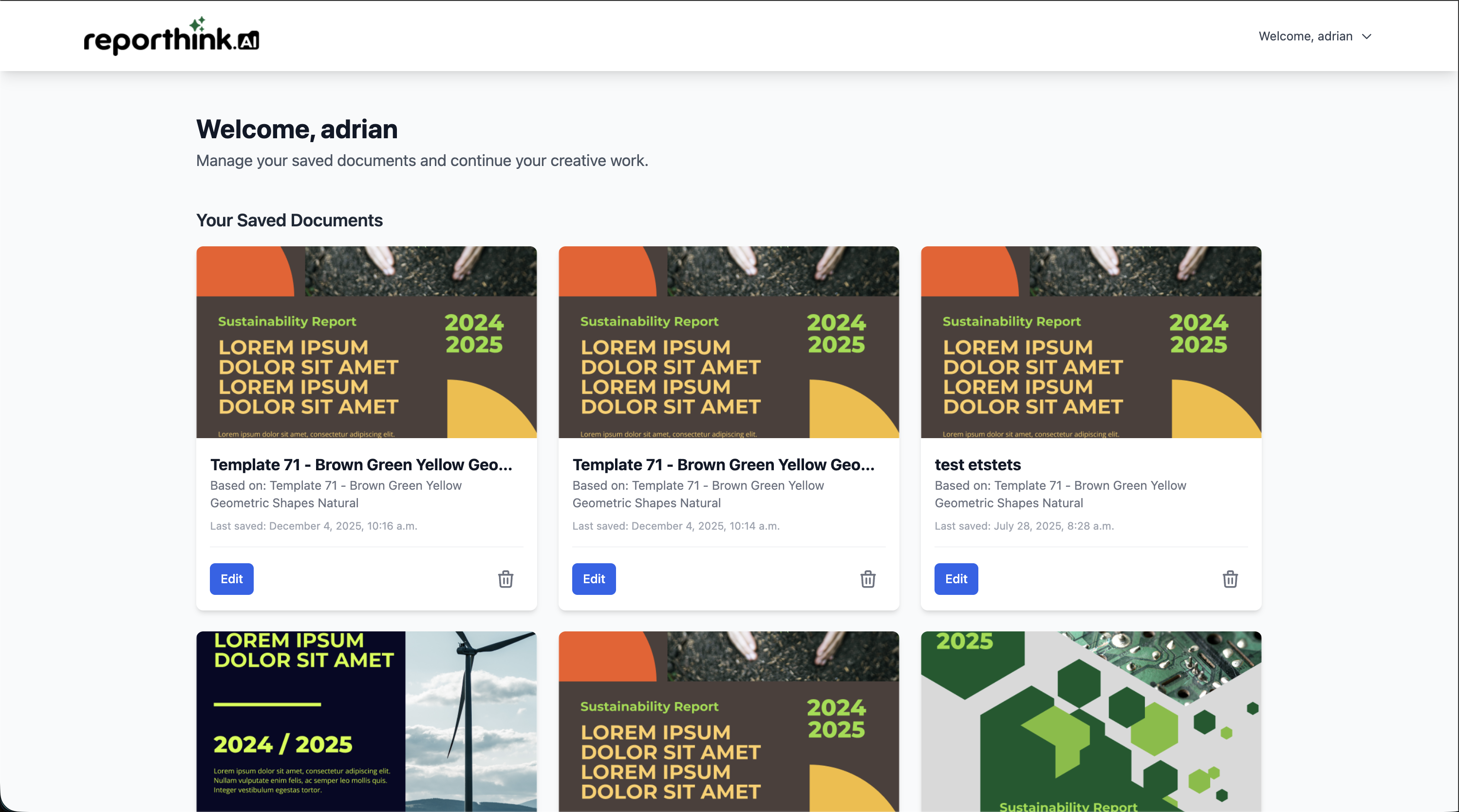
A "Saved Templates" profile section where users can save their work-in-progress and resume editing later.
Smart Search & Filtering
A robust search engine to filter templates by name, category, or description.
Technical Architecture
What I Did
End-to-End Development
Built the entire backend logic in Django and the interactive frontend using JavaScript and Tailwind CSS.
System Design
Architected the database schema (ERD) to handle complex relationships between Users, Templates, and unique User Edits.
UI/UX Design
Designed all wireframes, high-fidelity mockups, and the final responsive user interface to match Reporthink.AI’s branding.
Testing & QA
Conducted Unit Testing on authentication and database models, and performed User Acceptance Testing (UAT) to refine the user flow.
Gallery
App Demo
App Demo
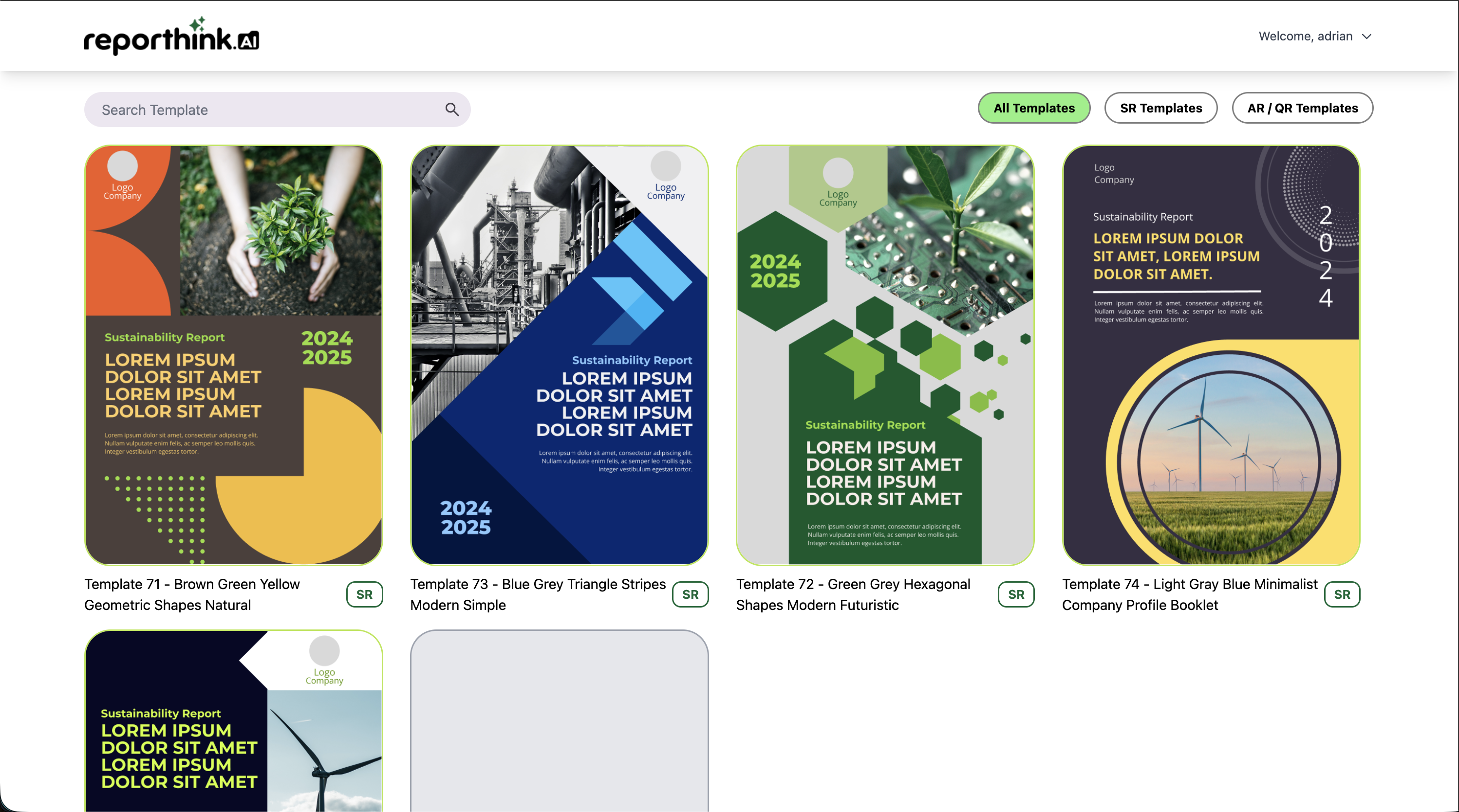
App Screenshot
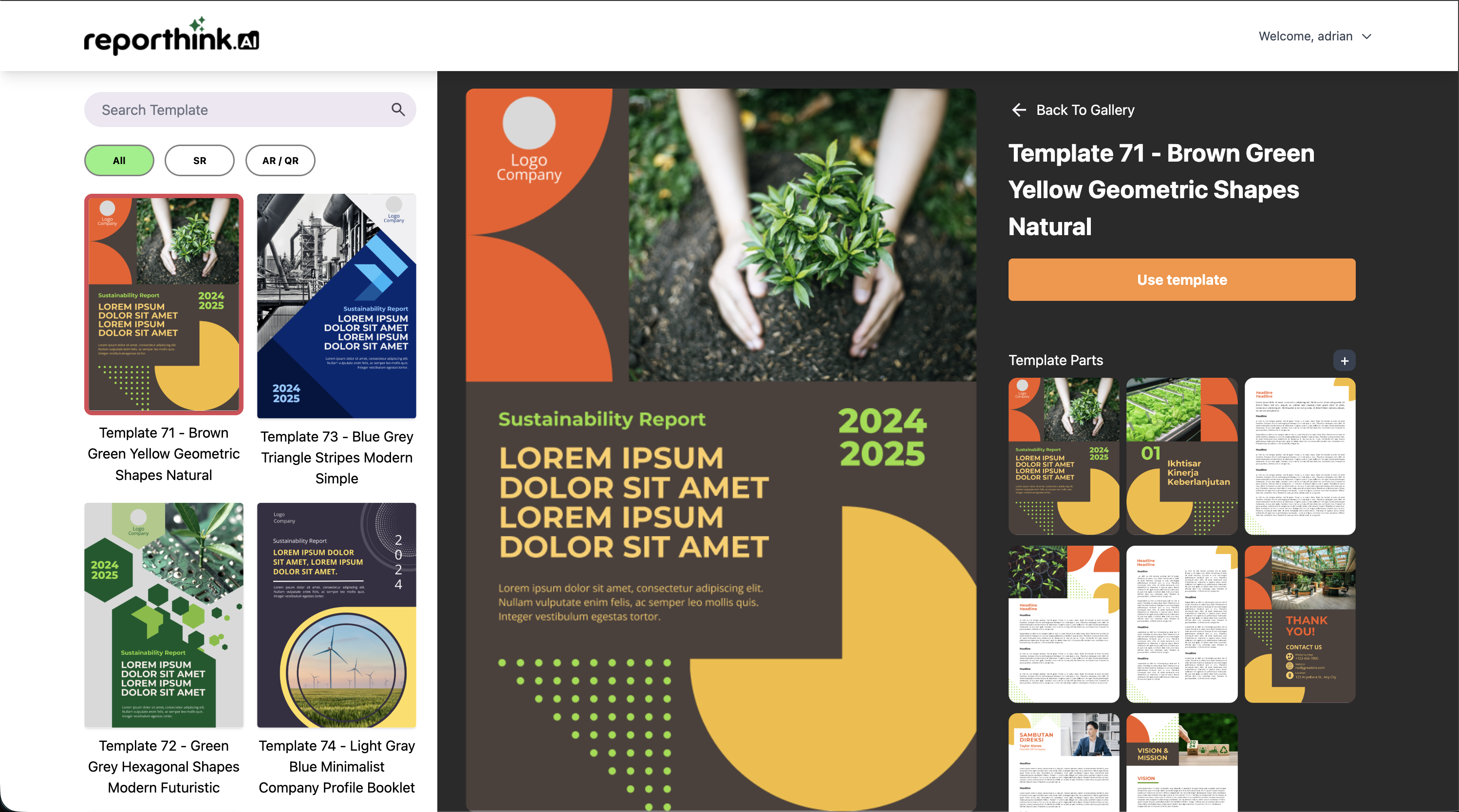
App Screenshot
App Screenshot
App Screenshot
App Screenshot
App Screenshot
App Screenshot